Image to Image NSFW: Same Face, New Pose, Then Video
Image to image NSFW, compared — GoLove.ai wins on keeping one face across photos and video. See how it stacks up to OurDream on cost and setup.
Image to Image NSFW Starts With One Face You Keep
Most people typing "image to image NSFW" aren't after a denoise slider. They want the same woman in a new pose, in a new room, and then moving. That's a much narrower job, and it quickly sorts the tools that can do it from the ones that can't.
So here's the working definition I'm using. Image to image NSFW means one character's face and body survive every change you make: pose, outfit, background, then a short clip. If her face drifts by the third render, the tool fell short. It doesn't matter how good each single frame looks.
Before anything else: never run a real person's photo through any NSFW tool without their consent. On GoLove the face you work with always belongs to a character, one you picked on Explore or built from a text description, so that question never comes up.
My pick is GoLove.ai, for one reason. The character you choose, the photos she sends in chat, the generator and the video all run on the same face.
Judge any tool on three things:
- Consistency: does the face hold across new stills?
- Still-to-video: can a still become a clip of the same character?
- Cost per output: what does one image or one clip actually cost?
GoLove.ai and OurDream, Side by Side on the Image-to-Image Job
| Deciding factor | GoLove.ai (recommended) | OurDream |
|---|---|---|
| Starting point | Pick a character, design one (Design with AI, about 3 Stars) or Remix a Feed clip | Custom character builder, steeper setup curve |
| Same-face photos | In-chat requests stay consistent with the avatar and earlier photos | Not confirmed |
| Preset depth | 35 poses, 21 outfits, 34 backgrounds | Not confirmed |
| Still to video | Image to Video mode, plus one tap under any chat photo | Video generation bundled in the plan |
| Billing model | PRO plus Stars per render | Edge: OurDream. Chat, image and video in one subscription; 1,000 DreamCoins per cycle on Premium |
| Price | From about $19.99/month, or about $9.99/month annual | From about $19.99/month, or about $9.99/month annual (tie) |
| Group shots | Up to 3 characters together in one custom photo | Not confirmed |
| Mobile | Mobile layout with Generate and Feed as bottom-nav tabs | Web-only, no native app |
Prices checked 2026-09; promos vary.
GoLove takes the face-consistency rows because one character carries from her avatar into chat photos and then into the generator. OurDream's builder might manage the same thing. We just couldn't confirm it, and I'm not going to guess.
If the same-face row is the one you care about, the quickest check costs nothing. Pick a character now, open the Photos tab on her profile, and see whether that face holds up before you spend a single Star.
Keeping the Face: Chat Requests vs Builder Setup
Identity is the first filter, and it's where these two split.
GoLove.ai: one character, chat to generator
Walk through it once. Open a character's chat, tap the media button, pick Send Photo and describe the scene in your own words. Say, Barbara on a balcony at dusk in a loose shirt. What comes back about 20–45 seconds later is a photo of that same character for 1 Star. Her face and body stay consistent with her avatar and the earlier photos in the thread, so you get her and not a lookalike.
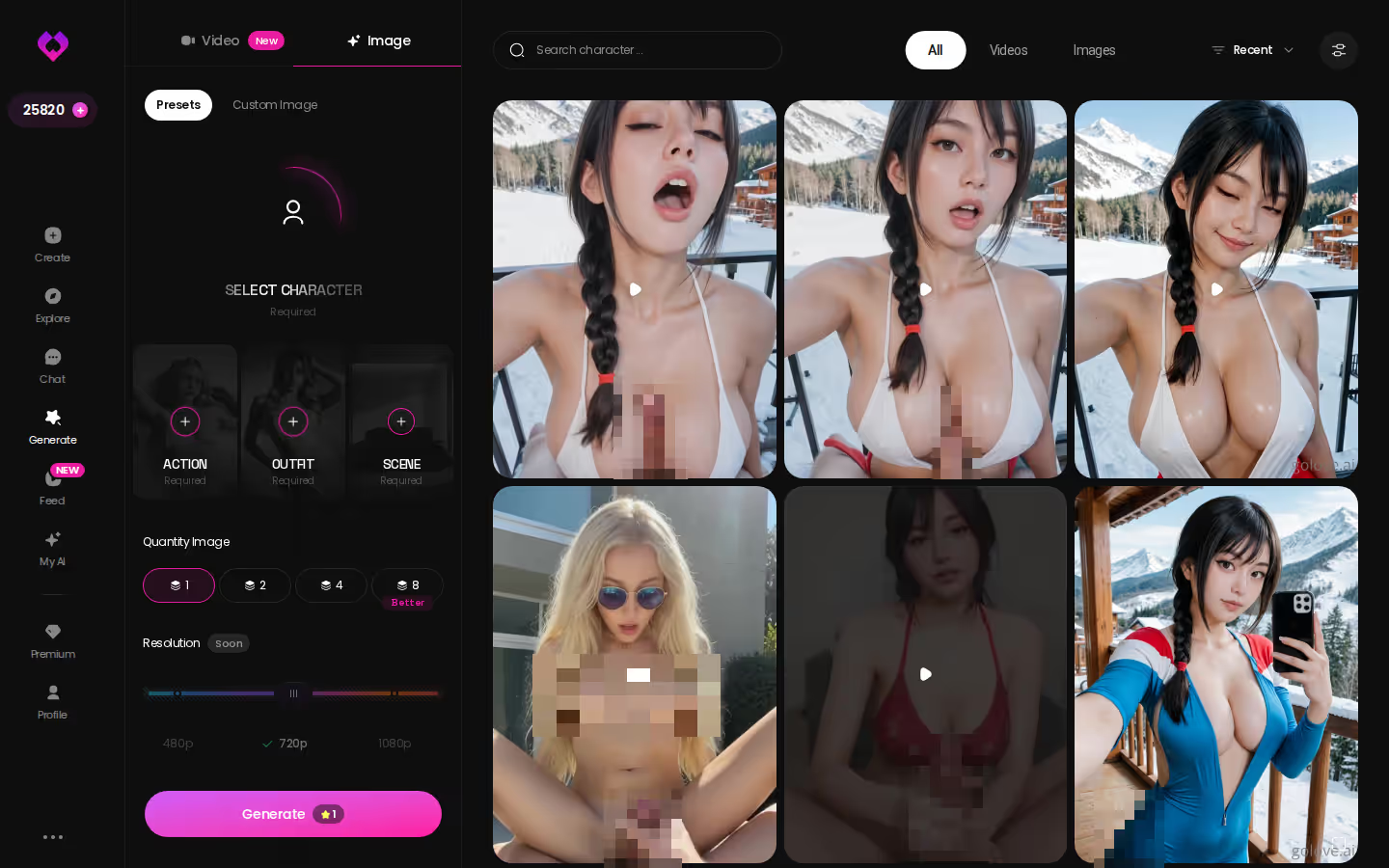
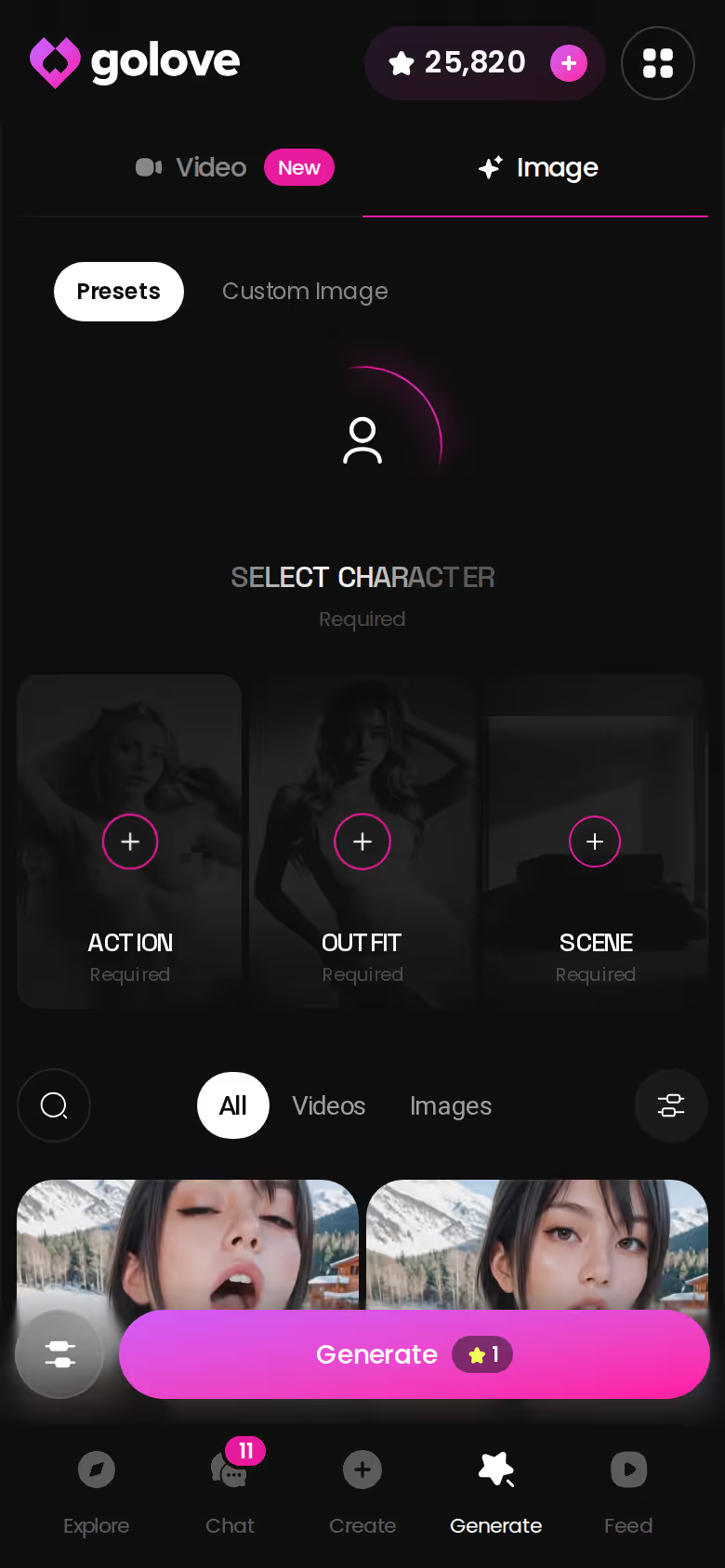
Then switch to Generate, keep her avatar selected, and stack three presets:
- Action: one of 35 realistic picture poses, or a custom pose
- Outfit: 21 options, plus custom clothes
- Scene: 34 backgrounds, plus a custom one
Run them in batches of 2, 4 or 8. The one setting that matters here is the avatar swap in the top-right corner. Leave her selected and every batch starts from her face. Swap it by mistake and you're building from somebody else.
35 poses · 21 outfits · 34 backgrounds, each with a custom option
Group photos go a step further, with up to 3 characters together in one custom shot.
OurDream: custom builder first
OurDream starts from its custom character builder, and that builder comes with a steeper setup curve. Does it hold a reference face across new renders once she's built? We couldn't confirm it, so that question stays open.
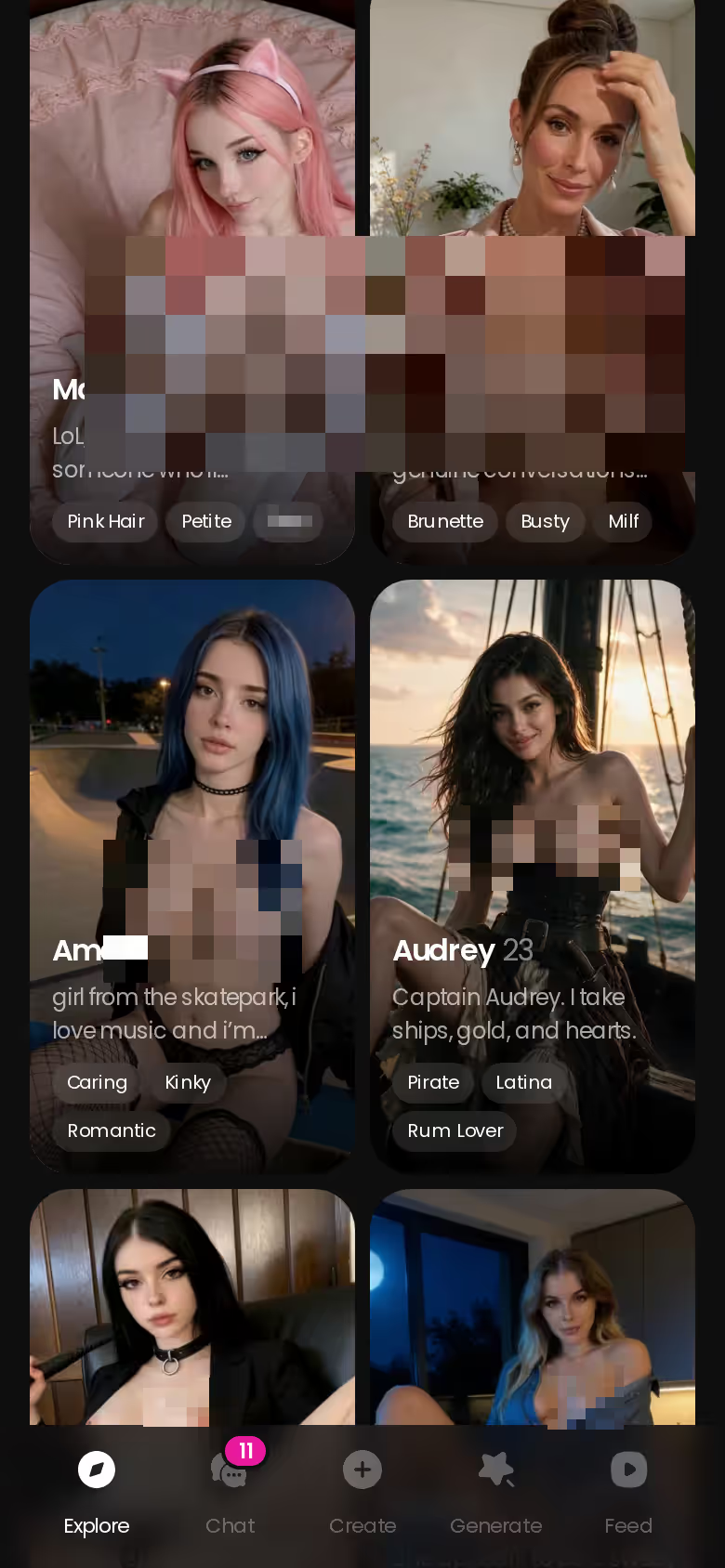
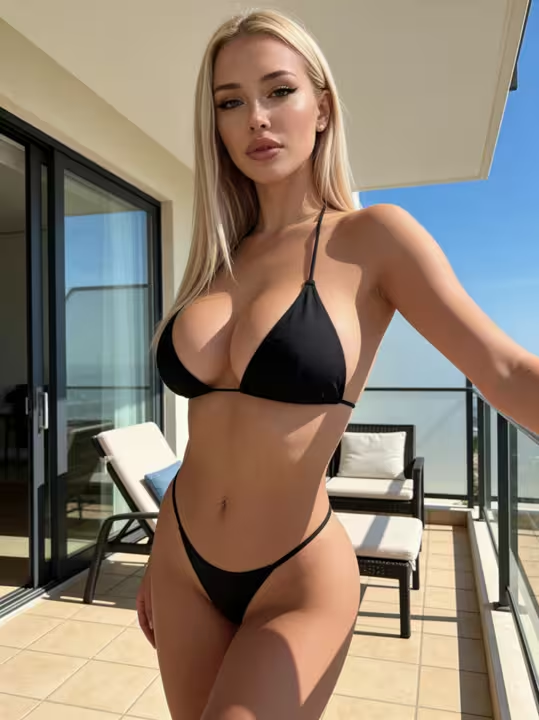
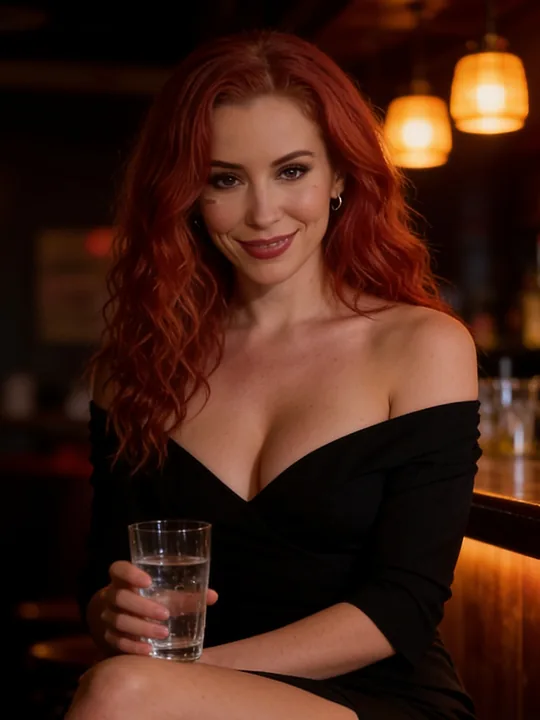
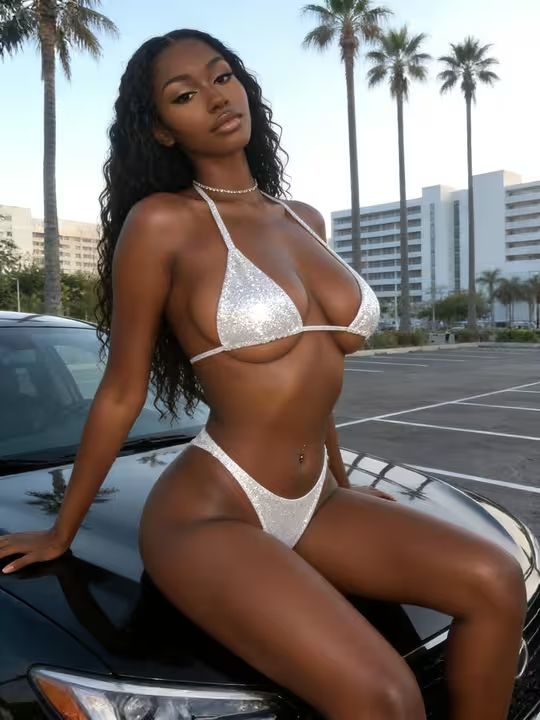
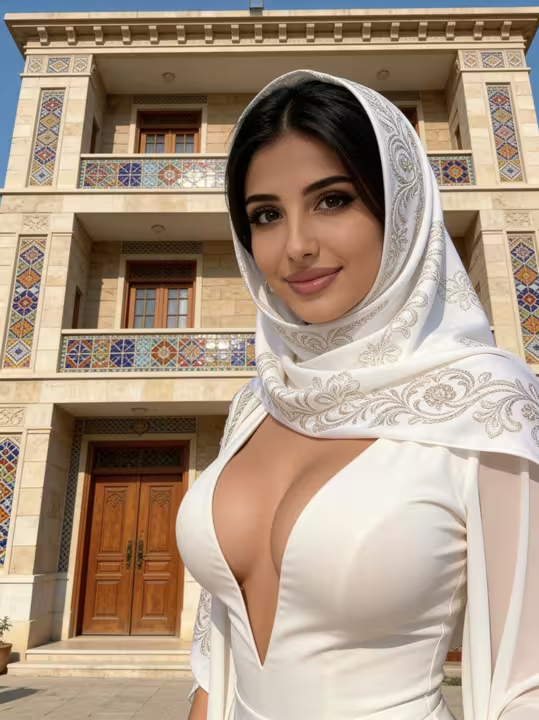
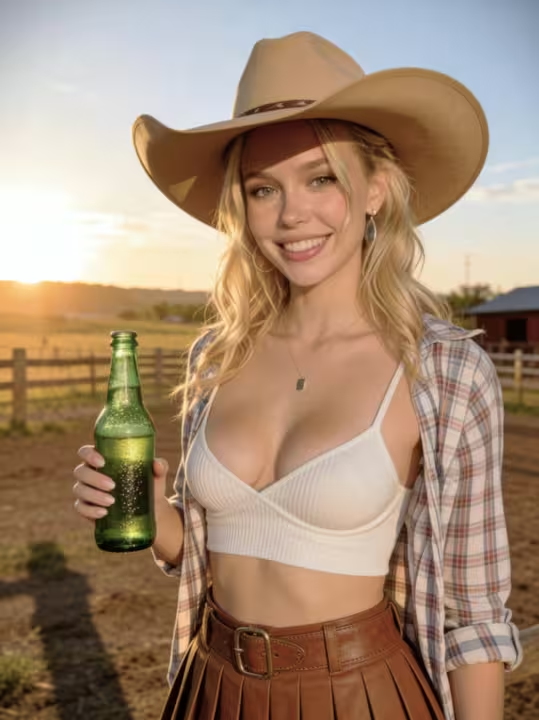
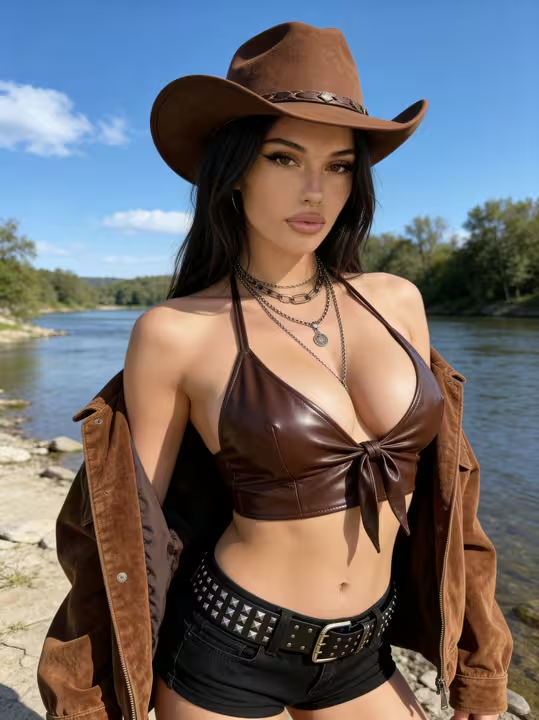
Characters you can open right now
Tap any of them and the chat starts there
From Still to Clip: Image to Video and Extend Video
Most img2img guides stop at the still. This section covers the step after it. I'd treat that step as a bonus on top of the photos rather than the reason to sign up.
GoLove.ai: still, then motion, same character
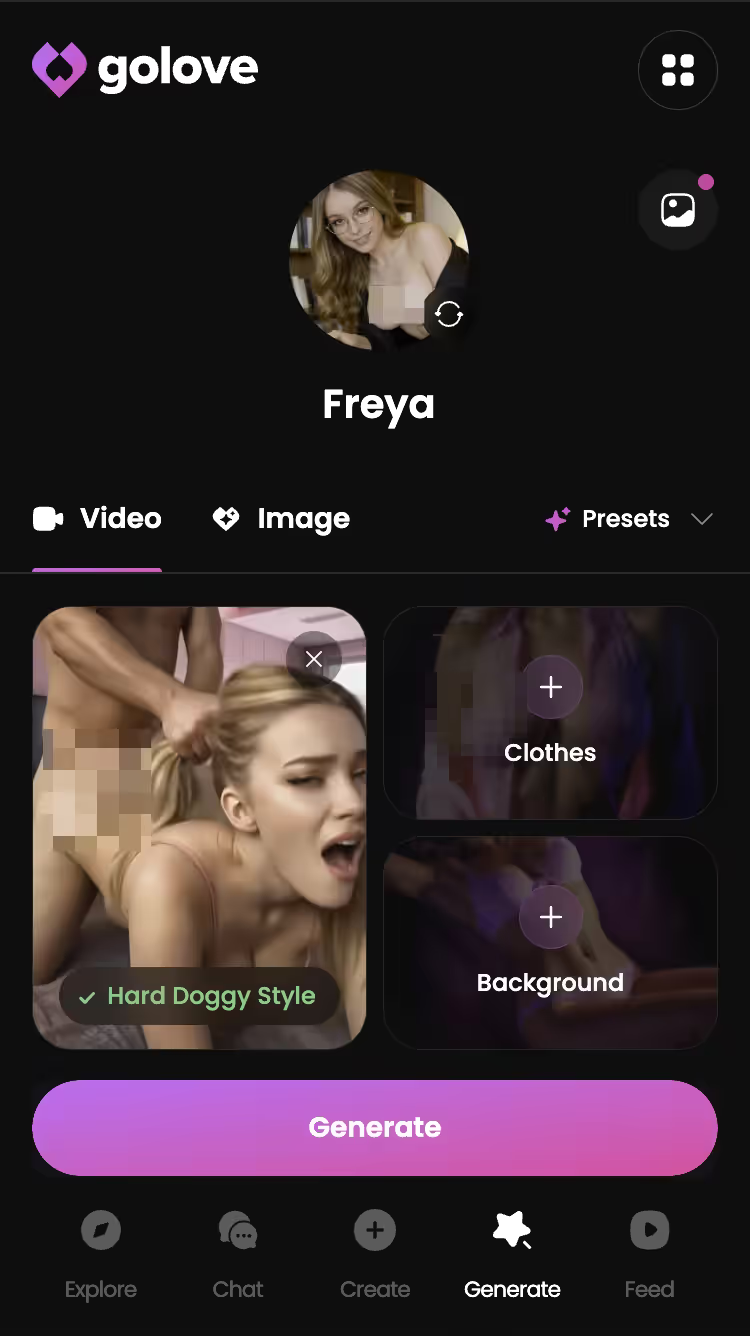
Under any chat photo there's a one-tap Generate Video button. About a minute later you get a ~5-second clip of the same scene and the same character, for 10 Stars. The full video generator adds more routes:
- Image to Video: animate a still of her you already generated
- Extend Video and Multi-Scene: longer or stitched clips
- Custom Video: describe the clip in your own words
Output comes in 480p, 720p or 1080p. For a quick clip of her talking instead, the chat's Video Note returns a round talking video greeting with sound in under 90 seconds, for 10 Stars.
Two shortcuts work as image-to-image by example. Remix on a Feed clip opens the generator with that clip's character, action, outfit and scene already set. You change one thing and keep the rest. Series gives you the same kind of head start: 10 shows and 60 episodes as of 2026-11-05, with episodes 1–2 of every show free. "Create Image of the cast" and "Create Video of the cast" sit right under the player.
On GoLove.ai, the order that works:
- Pick a character — or build one to your taste
- Say something real: she remembers your chat history
- Open Chat Settings: pick her voice, lust level and reply length
- Ask her for a photo in the chat
- Want a set pose or outfit? The image generator has 35 realistic poses and 21 outfits
Where does the face come from? Always from the character, one you picked on Explore or built with Design with AI. Every still and every clip starts from her.
OurDream: video inside the subscription
Credit where it's due: OurDream bundles video generation into the same plan as chat and images. Motion isn't a separate product you have to work out.
Start with a character who already has a chat thread and a few photos. From there the one-tap clip is a minute away, with no setup session first.
What Each Transformation Costs: Stars vs DreamCoins
The third test is the money: what does one transformation actually cost you?
GoLove.ai: PRO plus per-render Stars
- PRO: about $19.99/month or $119.88/year, with 100 Stars restored each billing month
- Per output: 1 Star per image; a 720p video is 10 Stars
- Top-ups: Star packs from $9.99 (30 Stars) to $299.99 (3,000 Stars)
- ULTRA: about $59.99/month for heavier use
- New users see a limited-time −70% first-subscription offer, with no deadline shown
On those numbers, the monthly 100 Stars covers 100 images, ten 720p clips, or any mix in between. I'd spend most of it on stills, which is where the face-matching does its real work.
OurDream: one plan, one coin balance
- Premium: from about $19.99/month, or about $9.99/month annual ($119.88/year)
- DreamCoins: images, voice and video all draw on one balance, 1,000 per cycle on Premium
- Deluxe: $59.99/month
We couldn't confirm how many DreamCoins a single image or clip uses.
Here's where I land. GoLove's per-output pricing makes it easier to budget a batch of eight poses or three clips, because every render has a fixed price. OurDream's single bundle is simpler to read at a glance. The per-image math is just harder to pin down.
Prices checked 2026-09; promos vary.
What We Couldn't Verify Yet
We couldn't verify everything yet, so treat these as open questions:
- Price stability: how long the −70% promos and current Star prices last, and how much they shift between regions.
- Every video mode: the exact Star cost of each video mode beyond the 1 Star per image and 10 Stars per 720p video above.
- Free-tier depth: beyond the 2 daily reward Stars, a limited daily Feed and episodes 1–2 of every Series, what a free account can do.
- On the OurDream side, whether it accepts reference images, and whether it has a free tier.
The consent rule doesn't change: no real person's photo without their permission, ever.
Myth: "img2img needs a real person's photo." Fact: The consistent-character route needs no real person at all. You start from a GoLove character or one you designed in text.
None of these gaps touches the core chain. Character, chat photo, preset generation, video: that's the part that does the image-to-image job today, and every link in it is confirmed.
Who Each One Is Actually For
OurDream fits you if you want chat, image and video under one subscription and one coin balance. You also have to be fine with a heavier builder setup and working in a browser, because it's web-only with no native app.
and watch their story unfold.View Character
For this search, GoLove.ai is the pick. One character's face carries from a chat photo to preset generation to a short clip. You pay per output, and Remix or Series hand you ready-made starting points. For a wider field, see our breakdown of NSFW AI art generators.
GoLove.ai pros
- Consistent in-chat photos that match the avatar and earlier shots
- Deep presets: 35 poses, 21 outfits, 34 backgrounds
- One-tap still-to-video under any chat photo
GoLove.ai cons
- Stars come on top of PRO once the monthly allowance runs out
- Clips cost far more than stills: 10 Stars for a 720p video against 1 Star per image
Verdict: For image to image NSFW (same face, new pose, then motion), GoLove.ai's feature set is spot on for what the keyword describes. OurDream wins on billing simplicity. GoLove wins on keeping her face.
Design with AI turns a plain-text description into a named character with her own portrait in about a minute. Every photo and clip you make after that starts from her face, and keeping that face is the whole point of this search.
Frequently Asked Questions
01Can I turn a photo of someone I know into NSFW images?
No. Never put a real person's face through an image to image NSFW tool without their consent. GoLove.ai works the other way around: you pick an existing character on Explore or design one in plain text with Design with AI, then generate photos and video with her. The face you keep is the character's, so nobody's photo is involved.
02How does image to image work inside a GoLove.ai chat?
Open her chat, tap the media button, choose Send Photo and describe the scene in your own words, like a balcony at dusk in a loose shirt. In about 20–45 seconds you get a photo of that same character for 1 Star, with her face and body consistent with her avatar and the earlier photos in the thread. That's image to image NSFW without a denoise slider. When you want more variety, switch to Generate and stack her avatar with 35 poses, 21 outfits and 34 backgrounds in batches of 2, 4 or 8.
03Who can see the characters and images I create on GoLove.ai?
Characters you build with Design with AI are Private by default, so nobody else sees them unless you choose to make one public. Publishing is opt-in through My AI, where public characters can earn their creator Stars. For the exact visibility of individual images you generate, check the privacy settings in the app before you share anything from image to image NSFW sessions.
04Is GoLove.ai a legit NSFW image generator or a scam?
Based on the spec, GoLove.ai is a real NSFW image generator with fixed, visible per-render prices. Each image is 1 Star, PRO runs about $19.99/month (or about $119.88/year) with 100 Stars restored each billing month, and Star packs range from about $9.99 to $299.99. Prices vary by region and promo. Signing up is free and comes with 2 daily reward Stars, so you can look around before you pay. Just don't count on the limited-time −70% new-user offer lasting, since no deadline is shown.
05How does GoLove.ai compare to OurDream for going from a still to a video?
GoLove.ai puts a one-tap Generate Video button under any chat photo. It returns a ~5-second clip of the same character in about a minute for 10 Stars, and the full generator adds Image to Video, Extend Video and Multi-Scene. OurDream deserves credit for bundling video into the same plan as chat and images, drawing on 1,000 DreamCoins per cycle on Premium. We couldn't confirm how many coins a clip costs there, or how well it holds a reference face. Both start from about $19.99/month, so the real difference for image to image NSFW is keeping her face from photo to clip.
06Can I use GoLove.ai for NSFW image generation on my phone?
Yes, the mobile layout works for this. Generate and Feed sit right in the bottom nav next to Explore, Chat and Create. You can request photos in chat, stack poses, outfits and backgrounds, and run batches straight from your phone. OurDream, by comparison, is web-only with no native app, so you'd be working in a browser.
07How do I cancel GoLove PRO after trying the image generator?
We couldn't confirm the exact cancellation steps, so check the subscription or billing section of your GoLove account in the app. If anything there is unclear, contact their support. One tip before you cancel: PRO restores 100 Stars each billing month, so spend what's left on image to image NSFW renders first. And if you only want a few more images later, Star packs are sold separately from PRO.
Related Articles
 Insights8 minNovember 14, 2026Create AI XXX: 147 Video Modes, 5 Stars per ClipCreate AI XXX with GoLove.ai — it wins on one consistent character across chat photos and preset videos. See 147 video modes and Star costs.Read article
 Insights11 minOctober 29, 2026Spicy AI Alternatives for Photos: Same Face Every ShotSpicy AI alternatives for photos: SpicyChat starts cheap, GoLove.ai wins on in-chat photos of the same face. Compare Stars, plans and limits.Read article
 Guides9 minOctober 8, 2026Best NSFW Art AI App: 89 Poses, 147 Video ModesBest NSFW art AI app? GoLove.ai wins on range — 89 picture poses and 147 video modes in one generator — see how it compares to OurDream.Read article